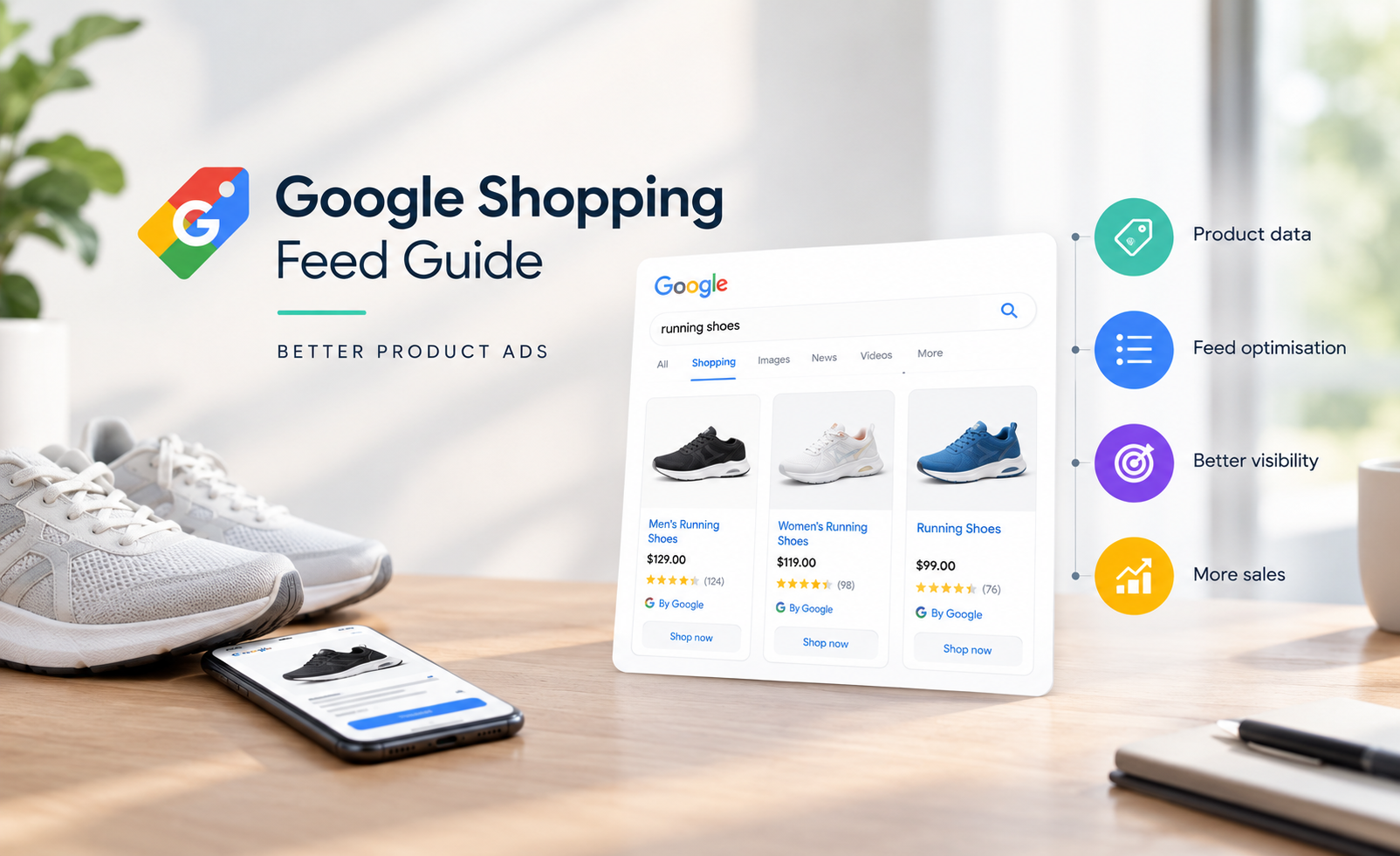

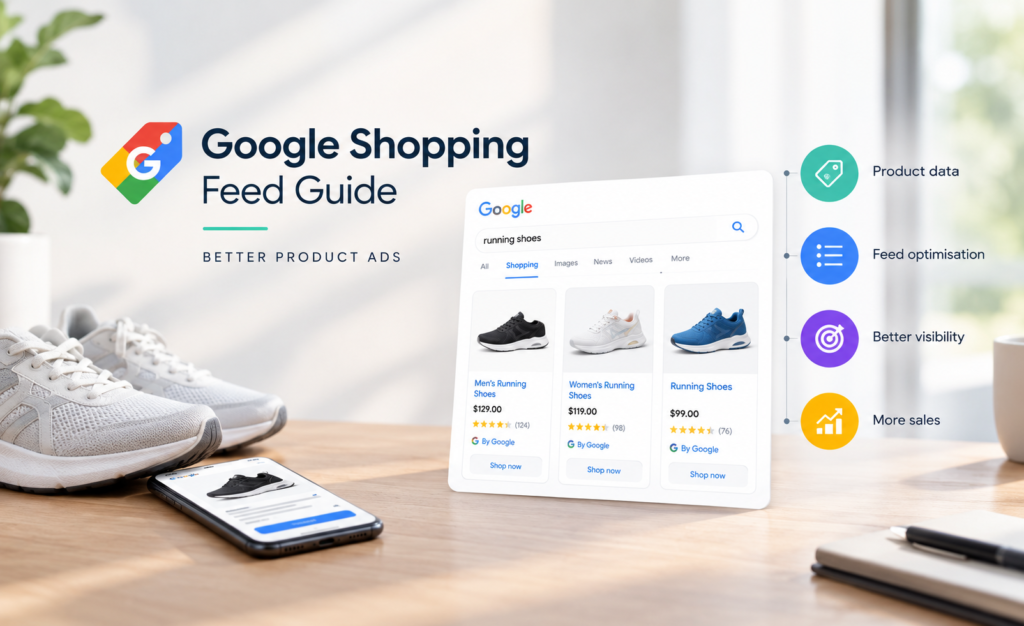
A Google Shopping campaign can have a sound bidding strategy and still underperform because the product data is weak. This Google Shopping feed guide focuses on the part many teams treat as administration: the feed. In reality, it is the decision layer that tells Google what a product is, who it suits and when it deserves to appear.
For businesses running at meaningful scale, Google Shopping campaign management needs to account for feed quality alongside bids, product selection and conversion performance.
For eCommerce businesses, feed quality affects more than approval status. It shapes search matching, product visibility, click-through rate, conversion quality and the margin you can afford to spend acquiring a customer. Better feed management is not cosmetic optimisation. It is a measurable growth lever.
Key takeaways
- Your feed is product data, not a spreadsheet to upload and forget.
- Titles, product types, images, price and availability carry the greatest commercial weight.
- Product-level segmentation makes Performance Max and Shopping reporting more useful.
- A technically valid feed can still be commercially poor if it does not reflect how customers search.
- Feed optimisation needs a testing cadence, just like landing pages, creative and bids.
What a Google Shopping feed actually does
A Google Shopping feed is the structured product information submitted to Google Merchant Centre, typically through a platform integration, feed-management tool or scheduled file. Google uses its attributes to understand eligibility and relevance across Google Shopping Campaigns, free product listings and selected surfaces.
Each row represents a purchasable product or variant. Each column provides an attribute, such as `id`, `title`, `description`, `link`, `image_link`, `price`, `availability`, `brand`, `gtin` and `product_type`. The data must match the landing page. If the feed says an item is in stock for $89, the page cannot show it as unavailable or priced at $99.
That sounds basic, but it creates a strategic constraint. The feed needs to satisfy Google’s policy and data requirements while giving the algorithm useful signals about product intent, value and catalogue priorities. Compliance gets you into the auction. Clarity gives Google a better chance of finding the right auction.
Start with product truth, not keyword stuffing
The most common feed mistake is treating every field as an SEO exercise. Product titles do influence matching, but repeating terms or forcing awkward language can make data less useful and damage shopper confidence. The same principle applies to the landing page, where product page optimisation needs to support the information promised in the feed.
Start with the facts a buyer needs to distinguish the item: product category, brand, model, gender or age group where relevant, material, colour, size, capacity and key specification. The correct order depends on the category and search behaviour.
For example, a generic title such as “Linen Shirt – Blue” leaves considerable ambiguity. “Men’s navy linen long-sleeve shirt – regular fit” provides stronger context. For a high-consideration product, “Breville Barista Express espresso machine – stainless steel” is clearer than “Coffee Machine by Breville”.
The goal is not the longest possible title. It is the most commercially meaningful title within Google’s character limits, with the most valuable details appearing early. Mobile placements and some ad formats may truncate later text, so lead with what changes relevance.
Build titles by category, not one universal template
A single title formula rarely works across an entire catalogue. Fashion, furniture, automotive accessories and electronics have different decision criteria. Create templates at category level, then apply them consistently.
| Category | Useful title structure | What usually matters most |
|---|---|---|
| Apparel | Brand + gender + product type + material + colour | Fit, material, colour, size |
| Electronics | Brand + model + product type + core specification | Model number, compatibility, capacity |
| Furniture | Product type + material + dimensions + colour | Size, material, style |
| Beauty | Brand + product type + variant + size | Shade, skin concern, volume |
Do not add promotional language such as “free delivery”, “best seller” or “20% off” to titles unless Google explicitly permits the use case. Promotions belong in the appropriate promotion setup, not in core product data.
The attributes that move performance
Not every attribute has equal impact. Prioritise the fields that determine whether a product can serve, how accurately it is categorised and whether a shopper trusts the listing.
Identifiers and categorisation
Global Trade Item Numbers, or GTINs, are essential for most new, branded products. Alongside brand and manufacturer part number where applicable, they help Google match items to its product catalogue. Missing or incorrect identifiers can lead to disapprovals and weaker matching.
Use Google’s product category taxonomy as accurately as possible, then add your own `product_type` hierarchy. These are not interchangeable. Google’s category helps platform classification; your product type gives your team a practical way to organise campaigns and reporting.
A useful hierarchy might be `Home & Garden > Outdoor Living > Barbecues > Gas Barbecues`. That level of structure makes it easier to isolate a category with low return on ad spend, investigate performance or apply a different budget strategy.
Price, availability and delivery
Price and availability mismatches are among the most avoidable sources of lost visibility. They often happen when the website changes faster than the feed refreshes, a sale launches without a corresponding feed update, or a variant is handled incorrectly.
Automate updates wherever possible. For fast-moving catalogues, scheduled daily updates may not be enough. Use automatic item updates in Merchant Centre as a safety net, but do not treat them as the primary system. The source data should remain accurate.
Delivery details also influence eligibility and shopper expectations. Australian retailers should ensure shipping settings account for the locations they genuinely serve, realistic delivery charges and any thresholds that change the offer. A click gained through vague delivery information is not necessarily a profitable click.
Images that remove doubt
Images are frequently the difference between being shown and being chosen. Google requires images that meet policy, but performance demands more: clear product framing, accurate variants, high resolution and no clutter that distracts from the item.
For many categories, the primary image should make the product immediately recognisable at a small size. Additional images can show scale, alternative angles, materials, use cases and variant detail. A sofa photographed in a styled room may sell the aspiration, but a clean product image can better answer what the customer is actually buying. Test the balance by category.
Use custom labels to make the feed commercially useful
Custom labels are one of the most underused feed attributes because they force a harder conversation: which products actually deserve investment?
Google allows up to five custom labels. Use them to classify products based on your commercial model, not only their website taxonomy. Common examples include margin bands, seasonal status, price ranges, best sellers, clearance stock and launch products.
For instance, a retailer could label products as `high_margin`, `core_range`, `seasonal` and `clearance`. This makes it possible to review results beyond revenue alone. A product delivering a 400% return on ad spend may look successful, yet be less profitable than another product at 300% if its gross margin is substantially lower.
That distinction matters when you improve ROAS across a catalogue rather than judging every product by revenue alone.
The trade-off is maintenance. Labels that are not refreshed become misleading. If margin, inventory or seasonality changes frequently, pass those values from the eCommerce platform or product information system rather than manually editing a spreadsheet.
A practical feed optimisation workflow
Feed work is most effective when it follows a deliberate sequence. Start by resolving Merchant Centre errors and warnings that affect approval or data quality. Next, improve the products responsible for meaningful spend, revenue or missed opportunity. Rewriting titles across 20,000 products before understanding where revenue sits is usually wasted effort.
Then compare feed data with search terms, on-site search queries, customer service questions and category conversion rates. Search terms reveal how people describe demand. On-site behaviour reveals what they need before purchasing. The best feed language sits where these signals overlap.
After changes go live, measure outcomes at product-group level. Look for changes in impressions, click-through rate, conversion rate, cost per acquisition, revenue and profit where available. Avoid declaring success after a few days, particularly where products have low conversion volume or strong weekly seasonality.
A practical review rhythm is weekly for disapprovals and urgent mismatches, monthly for high-spend product groups, and quarterly for category templates and commercial labels. This gives the feed enough attention without turning optimisation into constant, unstructured tinkering.
Common Google Shopping feed mistakes
The first is relying entirely on the eCommerce platform’s default feed. Native integrations are convenient, but default titles and categories are rarely designed around campaign performance. A supplemental feed or feed-management layer can enrich data without changing the product page.
The second is grouping variants incorrectly. Each variant that has a different size, colour, pattern, material or price may need separate data, with a shared item group identifier where relevant. If Google receives a blue product image for a red variant, both approval risk and customer friction rise.
The third is optimising only for revenue. Revenue is visible and useful, but it does not account for returns, gross margin, stock constraints or repeat purchase value. Your feed structure should help the account allocate spend towards products that build profitable growth, not merely top-line sales.
Treat the feed as a performance asset
The relevant service pillar for this work is paid media, with Google Ads Management often sitting closet to the feed. The operational reality crosses eCommerce, analytics, merchandising and conversion rate optimisation. The strongest feeds are built by teams that share product truth rather than leaving data ownership in a single channel.
Google’s automation is increasingly capable of finding demand, but it cannot reliably infer every commercial priority from a basic catalogue export. It needs clean inputs, useful structure and a clear signal of what the business wants to sell.
A well-managed feed does not guarantee profitable Shopping performance. Pricing, creative, landing-page experience, competition and stock all matter. But without accurate, strategically structured product data, every other optimisation starts from a weaker position. Make the feed a living performance asset, and it can move revenue with far more control.