
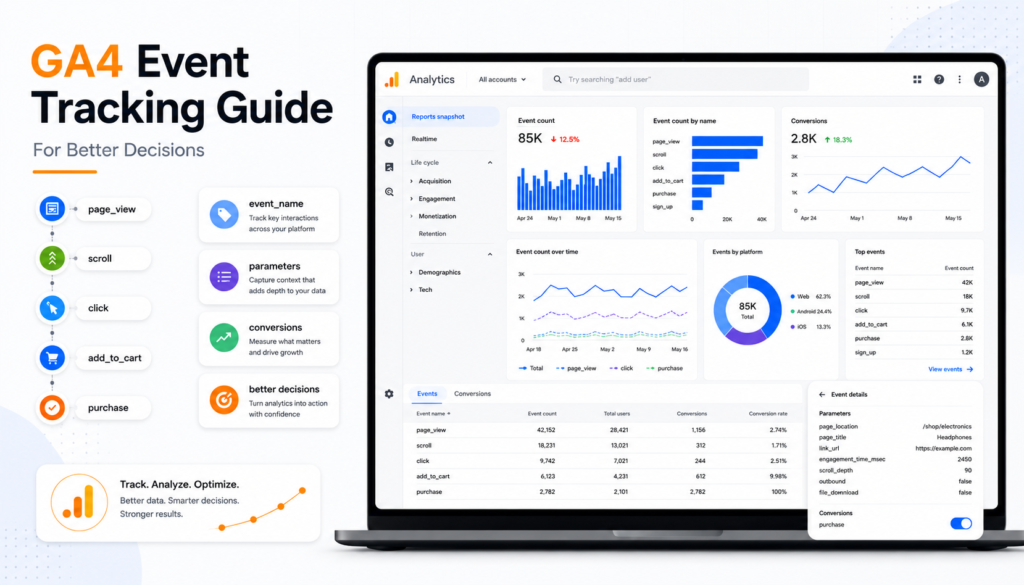
A checkout that starts but does not finish. A lead form that gets opened but never submitted. A product filter that customers use before converting. These are not minor website interactions. They are the evidence behind revenue decisions. This GA4 event tracking guide explains how to turn those signals into reporting your marketing team can actually use.
Google Analytics 4 is event-based by design. Unlike Universal Analytics, which centred reporting around sessions and pageviews, GA4 records user actions as events with supporting parameters. That gives businesses more flexibility, but it also creates a common problem: teams track hundreds of actions without a clear link to commercial decisions.
The goal is not to collect more data. It is to build a measurement system that answers where demand comes from, what users do next, and which experiences move revenue.
What GA4 event tracking is designed to measure
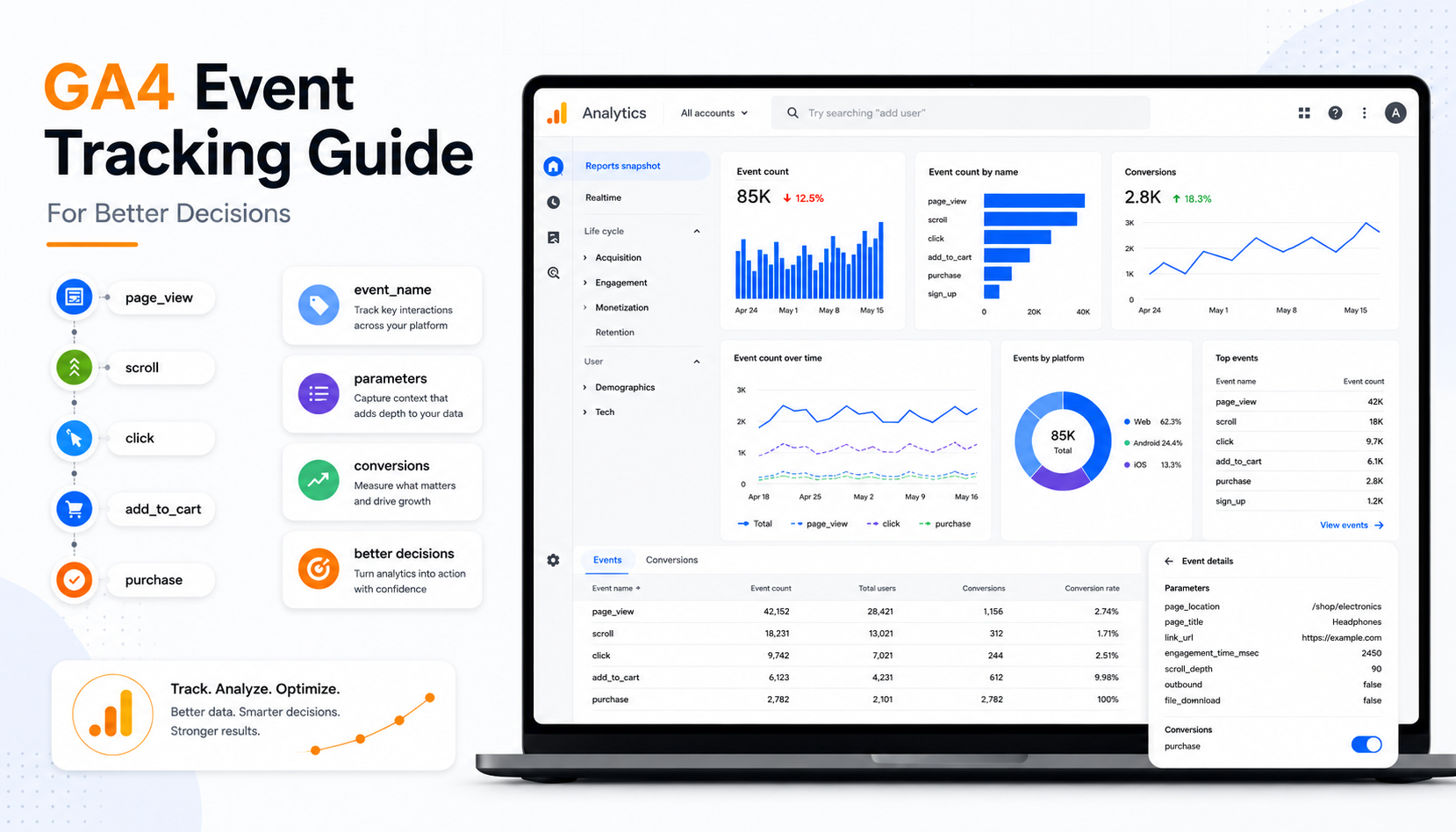
An event is a recorded interaction. Every event has an event name, and can include parameters that add context. For example, an eCommerce store may send a `view_item` event when a shopper sees a product, with parameters for item name, price, category and currency. A service business may record `generate_lead` when someone submits an enquiry form, with parameters for service type, location and lead source.
GA4 has four broad event categories. Automatically collected events cover basic interactions such as `session_start` and `first_visit`. Enhanced measurement events can capture scrolls, outbound clicks, site search and file downloads when enabled. Recommended events follow Google’s naming framework for common business actions, particularly eCommerce and lead generation. Custom events cover the meaningful interactions that are specific to your business.
The practical hierarchy is simple: use automatically collected and recommended events where they fit, then add custom events only when they support a reporting or optimisation decision. Rebuilding standard eCommerce events under proprietary names makes implementation harder and weakens compatibility with GA4 reports and advertising platforms.
Start with a measurement plan, not Google Tag Manager
Most tracking failures start before any tag is built. A developer receives a request to track “everything”, creates events based on what is technically accessible, and six months later the analytics property is full of ambiguous names such as `button_click_2`.
A measurement plan forces commercial discipline. Begin with the decisions your team needs to make. A retailer may need to identify which product categories produce high add-to-cart rates but weak purchase rates. A B2B firm may need to understand whether paid search generates qualified consultation requests rather than low-intent brochure downloads.
For each event, document the action, business purpose, trigger, parameters, owner and whether it should be a key event. GA4 now uses the term key event for actions marked as strategically valuable. A conversion is a key event that has also been imported into Google Ads for bidding and campaign measurement.
| Business question | Event | Useful parameters | Key event? |
|---|---|---|---|
| Which products create purchase intent? | add_to_cart |
item ID, item category, value | Usually no |
| Which campaigns create enquiries? | generate_lead |
form type, service, location | Usually yes |
| Does site search help customers find products? | search |
search term, results count | No |
| Which content drives commercial action? | select_content |
content type, content ID, placement | Depends |
This plan becomes the contract between marketing, analytics, development and any external partner. It also exposes where a business is trying to measure an outcome it cannot define. If the sales team cannot agree on what qualifies as a lead, GA4 cannot solve that governance issue.
Choose events that change an action
A useful test is: if this event rises or falls, what will we do differently? If there is no answer, it is probably not a priority.
For eCommerce, focus on the customer journey from product discovery through to purchase: product views, list selections, add to cart, cart views, checkout steps, payment errors and purchases. For lead generation, focus on high-intent actions such as form submissions, phone clicks, booking completions, quote requests and document downloads where the document signals genuine consideration.
Micro-conversions still matter, but they should not be confused with business outcomes. A scroll event can help diagnose engagement. It should not become the success metric for a campaign built to generate revenue.
How to configure GA4 events cleanly
For most websites, Google Tag Manager is the practical control layer. It allows teams to deploy tags and manage triggers without changing website code for every routine tracking update. However, data layer events implemented by developers are generally more reliable for complex actions such as eCommerce, multi-step forms and logged-in customer journeys.
The right approach depends on the interaction. A simple click-to-call event may be configured in Tag Manager using a link-click trigger. A successful form submission should ideally fire from a confirmed success state, not merely from a button click. Tracking the button alone will overstate leads when validation errors, spam controls or network failures prevent completion.
For eCommerce, implement Google’s recommended event names and item-level parameters consistently. `view_item`, `add_to_cart`, `begin_checkout` and `purchase` create a recognisable funnel. The purchase event requires special attention: transaction ID, value, currency, tax, shipping and items must be sent accurately. Missing transaction IDs can create duplicate revenue records when a confirmation page reloads.
Event names should be readable, stable and lowercase. Use underscores rather than spaces, avoid vague labels, and do not change names casually once reporting depends on them. Parameters should describe the event, not duplicate it. `generate_lead` paired with `form_type: consultation` is more scalable than creating separate events for every form variation.
This is where conversion rate optimisation strategy intersects with measurement. Clean tracking architecture directly supports better CRO decisions later.
Set key events selectively
Mark only outcomes that represent meaningful value. Over-marking events dilutes reporting and can damage Google Ads optimisation if low-value actions are imported for bidding.
A sensible lead-generation setup may mark completed enquiry forms and confirmed bookings as key events, while leaving phone-link clicks as diagnostic events unless calls are independently qualified. An eCommerce business will normally mark `purchase`, but may also create separate key events for newsletter sign-ups or account creation where those actions demonstrably support customer acquisition.
The distinction matters because GA4 reports, attribution analysis, and media buying can all inherit the definition of success you establish here.
Validate before reporting on the data
Tracking that fires is not necessarily tracking that is correct. Validation should happen in stages: confirm the trigger, inspect the event parameters, check that the event reaches GA4, and verify that the reported numbers align with the underlying platform or CRM.
Use Tag Manager Preview mode to confirm exactly when a tag fires and what values it sends. In GA4 DebugView, inspect the event stream and parameters from a test device. Then allow time for standard reports to process before checking whether the event appears as expected in the interface.
For revenue and leads, reconcile GA4 against source systems. GA4 purchase revenue may not exactly match an eCommerce platform because of consent choices, ad blockers, refund timing, cross-device behaviour and attribution differences. That is normal. Large, unexplained gaps are not.
Common implementation errors include duplicate purchase events, form events firing on page load, currency values sent as text, missing item arrays, and internal staff activity inflating lead counts. Exclude internal traffic where possible and test key journeys on mobile as well as desktop. Many tracking plans look sound until a mobile accordion, single-page application or third-party booking tool changes the trigger behaviour.
Turn events into decisions, not dashboards
Once the data is trustworthy, use it to diagnose friction and allocate spend. Build funnel explorations around the steps that matter, then segment by channel, device, landing page, product category or new versus returning users.
Consider an online retailer with a strong `add_to_cart` rate from campaigns managed by a social media agency, but an unusually weak progression from cart to checkout. The answer may not be more media spend. Review delivery costs, account creation requirements, payment options and page speed before expanding budget. Conversely, if a campaign produces fewer sessions but a higher rate of `generate_lead` events from a priority service page, it may be commercially stronger than the channel that wins on traffic volume.
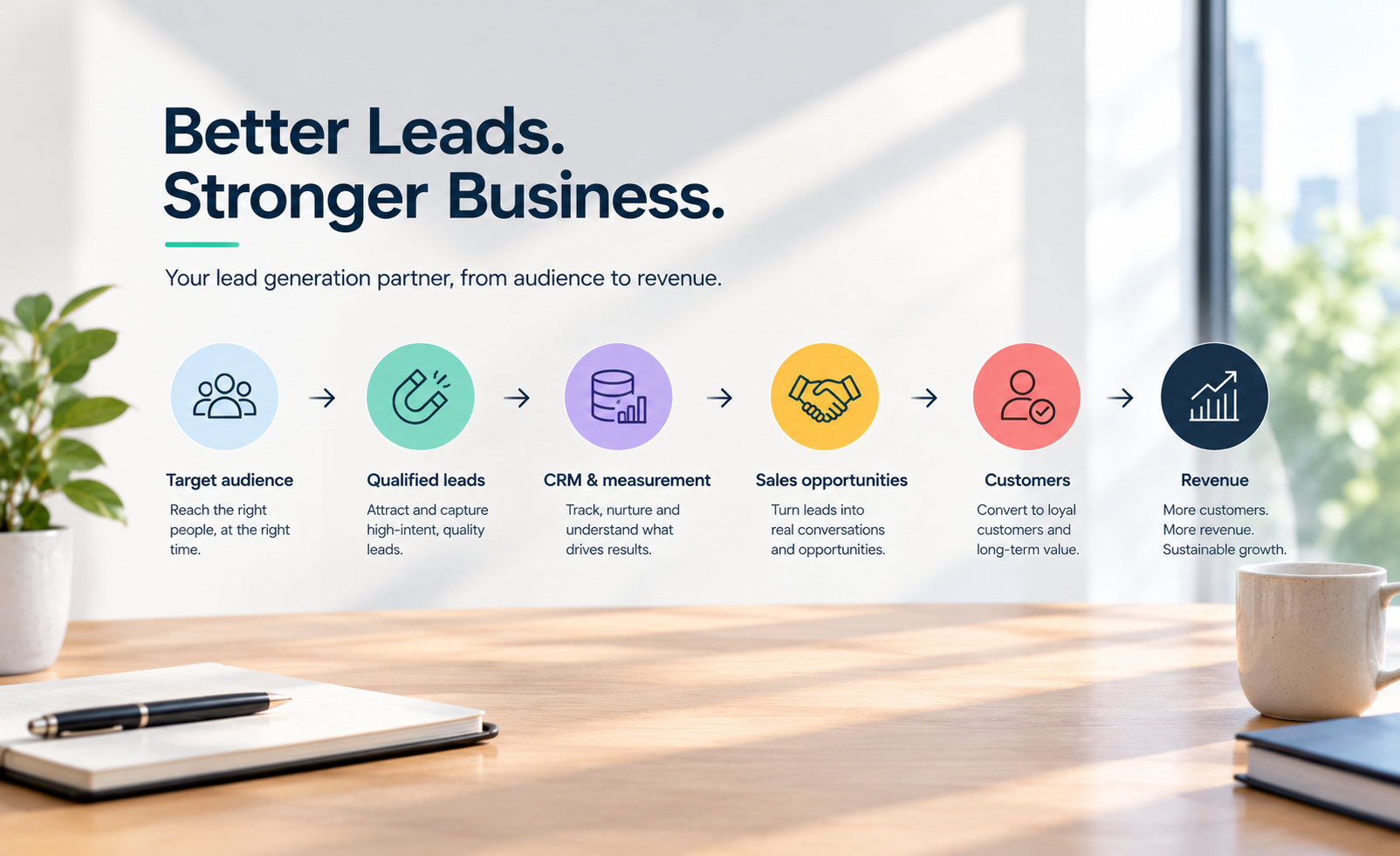
GA4’s event data also becomes more useful when connected to first-party business outcomes. A submitted lead is a signal. A qualified opportunity, sale or retained customer is the result. Where practical, align GA4 events with CRM stages and use consistent identifiers within privacy and consent requirements. This helps marketing teams avoid optimising for cheap actions that never become revenue.
Privacy, consent and retention are part of the build
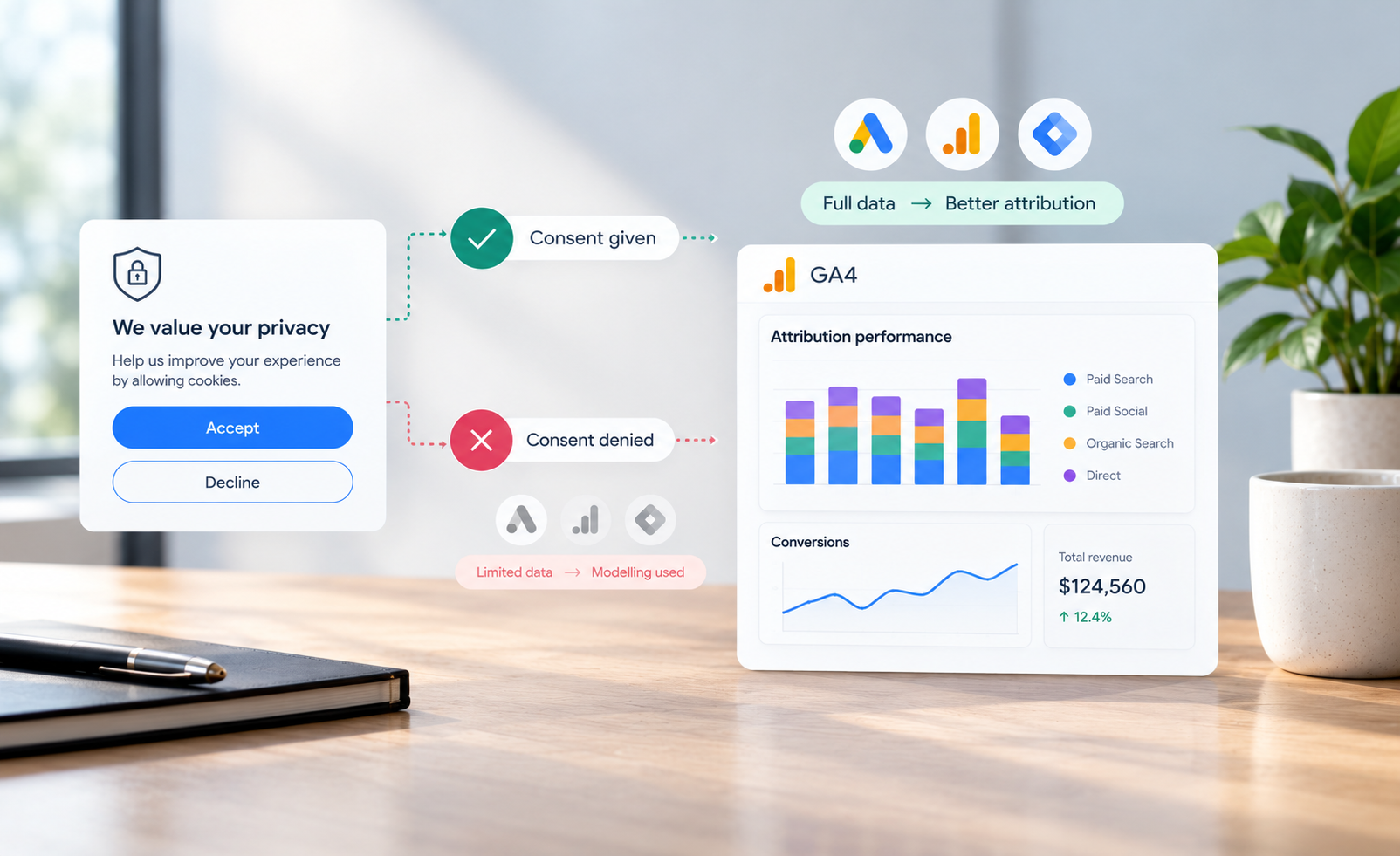
Australian businesses need to treat tracking design as a privacy decision, not just a marketing task. Do not send personally identifiable information such as names, email addresses or phone numbers to GA4. Configure consent settings with your legal and privacy requirements in mind, particularly where advertising cookies and remarketing are involved.
Consent choices will reduce observable data in some cases. That is a trade-off, not a reason to ignore compliance. A smaller dataset that is accurate, governed and understood is more valuable than inflated data that creates legal risk and poor strategic decisions.
Google’s GA4 documentation remains the primary technical reference for event names, required eCommerce parameters and measurement behaviour. Pair that guidance with your own measurement plan, CRM definitions and commercial priorities. The tracking framework should fit the business, not force the business to fit a dashboard.
When events are planned around decisions, validated against reality and connected to revenue, GA4 stops being a reporting obligation. It becomes a practical system for finding friction, defending investment and building marketing activity that is designed to move revenue.
Ready to build a measurement system that drives decisions? Book a consultation to review your current GA4 setup and identify tracking gaps.